
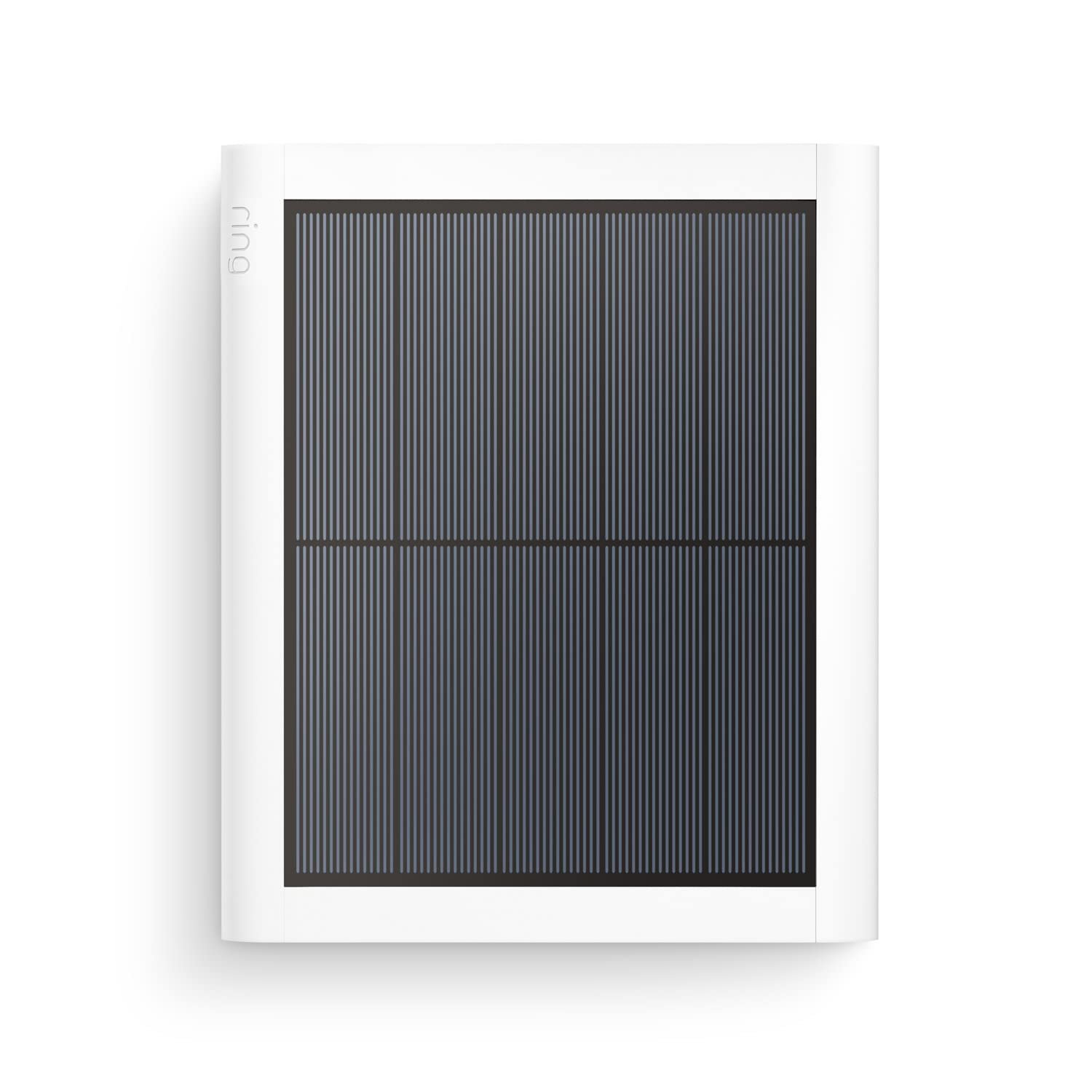
Ring Solar Panel (2nd Gen) 4W review
Ring Solar Panel (2nd Gen) 4W review
Want a reliable way to keep your Ring camera powered without lifting a finger every few days?

Overview of Ring Solar Panel (2nd Generation), 4W for Outdoor Cam Plus, Outdoor Cam (Stick Up Cam), Stick Up Cam Pro, Spotlight Cam Plus, Spotlight Cam Pro – White
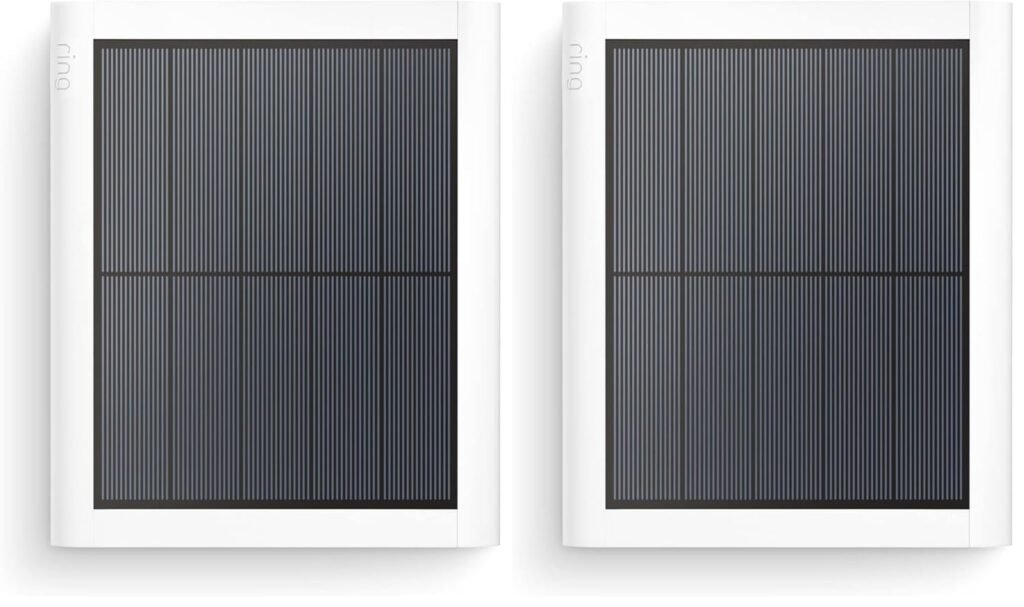
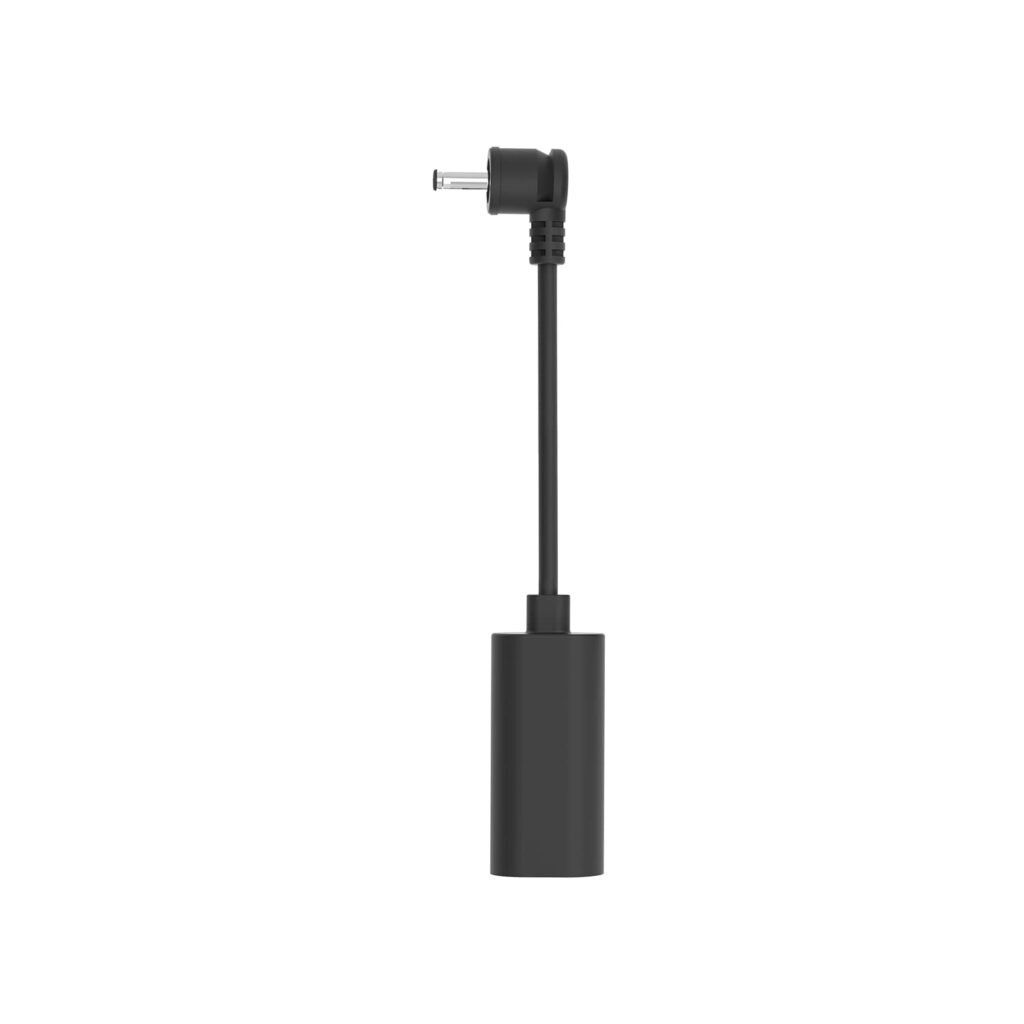
This solar panel is built specifically to pair with Ring’s outdoor cameras and promises faster, more efficient charging than the previous generation. You’ll get a compact 4W panel with a built-in USB-C connector, an adapter for older Ring barrel plugs, and an adjustable mounting base for flexible placement.
What this product aims to solve
If you’re tired of swapping or recharging camera batteries frequently, this panel is meant to reduce that burden by trickle-charging your camera from sunlight. It’s designed so you can place your camera where it monitors best, while the solar panel sits where it can catch the most sun.
Key specifications at a glance
Below is a breakdown of the most important specs and included items so you can quickly see whether this solar panel meets your needs.
| Feature | Details |
|---|---|
| Panel output | 4W (2nd Generation) |
| Connector | Built-in USB-C plus USB-C to barrel plug adapter |
| Compatible cameras | Outdoor Cam Plus, Outdoor Cam (Stick Up Cam), Stick Up Cam Pro, Spotlight Cam Plus, Spotlight Cam Pro; backward compatibility for some older models via adapter |
| Charging improvement | Up to 60% faster than previous generation (Ring claim) |
| Recommended sunlight | At least 2–3 hours of direct sunlight per day |
| Cable length | 6.5 ft (2 m) with built-in cable management |
| Mounting | Adjustable arm: 360° rotation and 180° tilt |
| Pack contents | Solar panel with USB-C cable, adjustable mounting base, USB-C to barrel plug adapter, mounting screws & anchors, cable clips, user guide |
| Weather resistance | Rated for outdoor use (IP-rated design typical for Ring accessories) |
Design and build quality
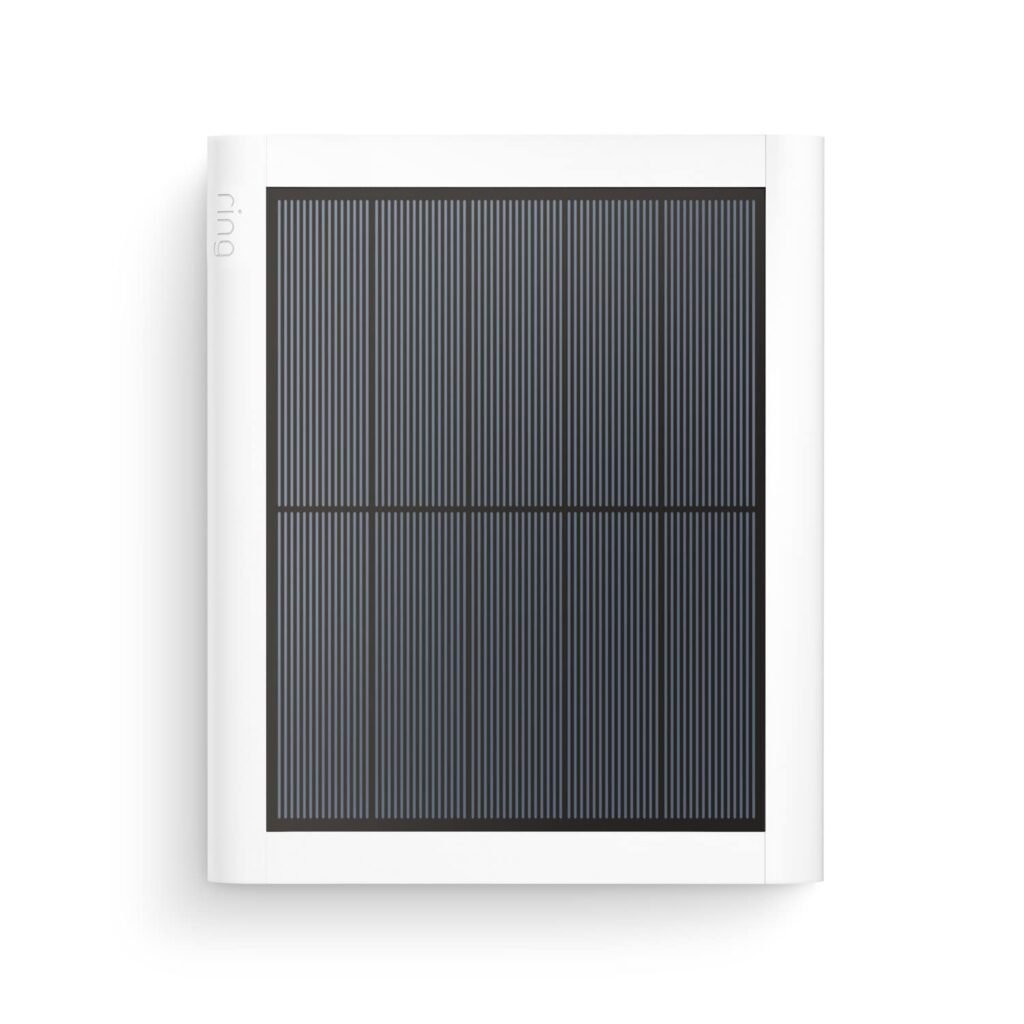
You’ll notice a clean, minimal design that matches Ring cameras visually and keeps a low profile on your exterior walls. The materials feel sturdy and weather-resistant enough for year-round outdoor use.
Panel housing and finish
The white finish is consistent with Ring’s aesthetic, which helps the panel blend with cameras and many home exteriors. The plastic housing doesn’t feel flimsy; you can tell it’s meant for outdoor exposure, though you’ll want to avoid accidental knocks during installation.
Adjustable mount and movement
The adjustable arm gives you a lot of flexibility: you can rotate the panel 360 degrees and tilt up to 180 degrees, which makes it easy to aim toward the sun without moving the camera. That range of motion helps you maximize sun exposure when your mounting surface doesn’t face ideal angles.
Compatibility and connectivity
Compatibility is one of the strong points here. You’ll be able to connect this solar panel to current mid- and high-end Ring outdoor cameras with the built-in USB-C, and the included adapter makes it usable with several older Ring models.
Which Ring cameras work with it
This 2nd Generation panel is explicitly compatible with Outdoor Cam Plus, Outdoor Cam (Stick Up Cam), Stick Up Cam Pro, Spotlight Cam Plus, and Spotlight Cam Pro. If you own earlier Stick Up Cam (2nd or 3rd Generation) or Spotlight Cam Battery, the USB-C to barrel adapter keeps things working without extra purchases.
Connector convenience and cable length
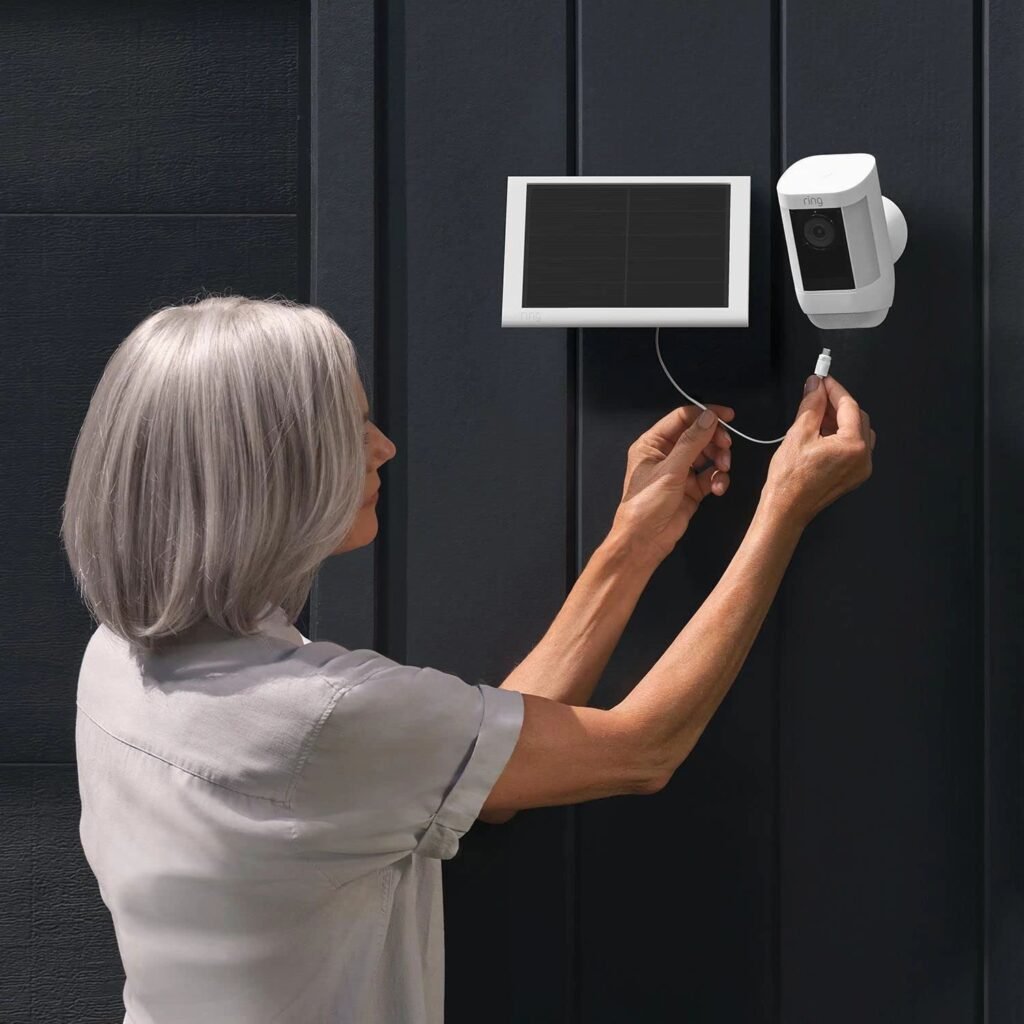
You get a built-in USB-C cable with a 6.5 ft (2 m) length, which gives you decent placement flexibility between the panel and the camera. The cable management built into the mount helps keep things tidy and reduces visibility of wires — useful for neat installations.
Installation — what to expect
Installation is generally straightforward. If you’re comfortable with a drill and basic mounting, you’ll have this mounted in 15–30 minutes. Ring includes screws, anchors, and cable clips to help you secure the panel and route the cable cleanly.
Step-by-step setup tips
You’ll mount the adjustable base first, then attach the solar panel and fine-tune the angle. Always test camera and panel connection before finalizing screw locations. If you’re using the adapter for older cameras, plug the adapter into the camera before routing the cable to avoid tight bends.
Placement considerations
Optimal placement is crucial. You’ll want at least 2–3 hours of direct sunlight per day, according to Ring’s recommendation, but more is better. Position the panel where it can receive consistent morning or midday sun and avoid heavy shade from trees, eaves, or neighboring structures.
Real-world charging performance
The panel is rated 4W and Ring claims up to 60% faster charging versus the previous generation. In practical terms, that means better maintenance of your camera battery across sunny days and even moderate cloud cover.
Typical results through seasons
In summer, with several hours of uninterrupted sun, you’ll often see battery levels stay near full or maintain a very slow drain, even with frequent motion events. During winter or in heavily shaded settings, the panel will help but may not provide full self-sufficiency if sunlight is limited.
What “faster charging” means for you
The 60% faster charging claim relates to improved solar efficiency under similar light conditions. For you, that typically translates into less frequent manual charging cycles and fewer battery swaps. Don’t expect the panel to fully replace wired power where cameras are heavily used or placed in poor light.
Pros — why you might choose this panel
There are several reasons you may prefer this 2nd Generation Ring Solar Panel for your setup. It’s purpose-built, convenient, and integrates neatly into Ring’s ecosystem.
Seamless Ring integration
Because the panel plugs directly into Ring cameras with a built-in USB-C and an included adapter for older models, compatibility headaches are minimized. You’ll avoid third-party adapters that can cause connection issues.
Compact and adjustable
The panel’s small footprint and fully adjustable mount allow you to aim it for the best sun exposure without fussing with bulky equipment. The built-in cable management keeps the installation clean and less obvious to passersby.
Weather-ready design for outdoors
Ring designs these solar panels to be outdoors-ready, so you won’t worry about light rain or seasonal shifts when mounted properly. It’s built to stay outside and perform through the year.
Cons — limitations you should be aware of
No product is perfect, and this solar panel has a few constraints you’ll want to consider before buying. Knowing these will help you set realistic expectations.
Limited power output for heavy use
At 4W, the panel provides trickle charging rather than high-output charging. If your camera records a lot, has high motion-trigger activity, or if you use a lot of live view sessions, the panel might not keep the battery topped up in lower sunlight conditions.
Dependency on sunlight and placement
You’ll need decent direct sunlight for the panel to perform well. If your camera location sees mostly shade or you live in a region with prolonged overcast weather, the panel will help but may not keep the camera battery fully charged.
Cable visibility and routing constraints
Although Ring includes cable clips and built-in management, routing the cable neatly across many wall types or around gutters may still require additional clips or creative planning. If you want the most discreet look, you might need to do some extra work.
Comparison with other charging options
You likely have alternatives, such as wired power or other third-party solar panels. Comparing them will help you decide whether this Ring panel fits your lifestyle and needs.
Wired power vs solar
Hardwiring to a power supply provides consistently higher reliability than any solar solution, but it requires electrician work and possibly conduit drilling. If you want guaranteed continuous power, wired is superior. The solar panel is ideal where wired power isn’t practical or where you prefer an off-grid option.
Ring Solar Panel (1st gen) vs 2nd gen
This 2nd Generation panel is more efficient, with Ring citing up to 60% faster charging. Practically, you’ll notice better performance under the same sunlight conditions, so if you have older-generation panels and marginal sunlight, upgrading can reduce manual charging needs.
Third-party solar panels
Third-party panels sometimes offer higher wattage or larger sizes for intense charging needs, but they can complicate compatibility and warranties. Because this Ring panel is specifically designed for Ring cameras, it’s the simplest plug-and-play option for most users.
Practical installation examples
Understanding real installation scenarios can help you choose placement and anticipate how well the solar panel will work.
Example: south-facing wall with full sun
If you mount the panel on a south-facing wall with 4–6 hours of direct sun daily, you’ll typically see the camera maintain very high battery levels. You’ll get the best ROI from this setup and rarely need manual recharges.
Example: shaded porch with intermittent sun
For porches or areas with dappled light, the panel will provide slow charging that extends time between manual charges but may not fully offset battery use. Position the panel where it gets morning sun or mid-day gaps rather than under full shade.
Example: high-motion driveway camera
If your camera triggers frequently (vehicles, pets), expect the panel to struggle during low-sun periods. It’ll still help with battery life during sunny months but plan for occasional manual charge cycles in peak activity months.
Setup troubleshooting and tips
Little mistakes or overlooked details can reduce panel performance. These tips will help you get the most out of your purchase.
Angle and tilt optimization
You’ll want to use the panel’s tilt and rotation to face the sun during the period when solar intensity is highest in your location. In the northern hemisphere, southern-facing angles generally work best. Adjust seasonally if possible.
Avoid reflections and heat buildup
Glass windows or reflective surfaces can change how much useful sunlight the panel receives; avoid pointing the panel at highly reflective surfaces. Also, ensure airflow around the panel to prevent heat-related efficiency drops on very hot days.
Maintenance and cleaning
Dust, bird droppings, and pollen can reduce efficiency. You should check and gently clean the panel periodically with a soft cloth and mild soap if needed. Doing this every few months or after storms keeps performance consistent.
Battery health and long-term benefits
Using a solar panel routinely affects how you manage camera batteries and long-term maintenance.
Reducing battery cycling
By keeping the camera charged more consistently, you’ll reduce deep discharge cycles, which helps extend the lifespan of your camera battery. That translates into fewer battery replacements over the life of your camera.
Seasonal considerations
In winter months or during extended cloudy periods, you may still need to plug in or remove the battery for charging occasionally. You’ll want to monitor battery levels and plan for lower output seasons.
Security and aesthetic considerations
You’ll want your security setup to be secure and as unobtrusive as possible. This panel scores well on aesthetics and offers basic physical security options.
Concealment vs visibility
The white, compact panel often blends with light-colored siding, which helps reduce attention. If your panel is in plain view, consider routing cable runs neatly and mounting slightly out of reach to limit tampering.
Theft and tamper resistance
Ring includes simple mounting screws but no locked enclosure. If security is a major concern, you should mount the panel out of easy reach, use tamper-resistant screws, or combine it with other physical deterrents.
Price and value proposition
You’ll compare price against how much time and effort it saves. For many Ring camera owners, the panel represents convenient value rather than a heavy investment.
Is it worth the cost?
If you want fewer battery swaps and a maintenance-light solution, it’s a good value. The convenience of continual trickle charging and Ring-branded compatibility often outweighs the panel’s moderate cost for routine users.
When it might not be worth it
If your camera sits in heavy shade, you rarely have direct sun, or you need guaranteed continuous power, the panel alone won’t be sufficient. In those cases, either wired power or a higher-wattage third-party panel combined with an appropriate converter would be more suitable.
Alternatives and upgrades
You have optional paths if this panel doesn’t fully meet your needs.
Higher-power third-party panels
If you need faster charging and are comfortable with custom cabling and adapters, larger third-party panels can provide significantly more wattage. However, they require careful matching of voltage and connectors and may affect warranty or reliability if not done properly.
Hardwired power solutions
If you prefer absolute reliability and are willing to do some installation work, hardwiring to a nearby outlet or dedicated circuit is the most dependable option. It removes weather and seasonality as variables.
Ring power accessories
Ring sometimes offers other accessories like power adapters, extension cables, or different-mount options that may better match specific setups. Check Ring’s accessory lineup for compatible options.
Frequently asked questions (FAQ)
Here are common questions you’ll likely have and short, practical answers to each.
How much sunlight does this panel need?
Ring recommends at least 2–3 hours of direct sunlight per day for best performance. More sun improves charging and helps offset heavy camera use.
Can I use this with older Ring cameras?
Yes. The panel includes a USB-C to barrel plug adapter to support older models like the Ring Outdoor Cam (Stick Up Cam) 2nd and 3rd Generation and Spotlight Cam Battery.
Is the cable long enough?
With 6.5 ft (2 m) of cable you’ll have good placement flexibility. For longer runs you may need to plan for an extension or move the camera closer to the panel’s ideal sun location.
Will the panel keep my battery at 100%?
Not necessarily in all conditions. In ideal sun it can maintain high battery levels, but during low-sun periods or heavy usage, you may still need manual charging occasionally.
Does Ring provide a warranty?
Ring typically offers a standard warranty on accessories; check Ring’s official warranty terms or your purchase documentation for details and duration.
Final verdict — is this the right choice for you?
If you want a convenient, genuinely user-friendly way to reduce battery maintenance for your Ring outdoor cameras, this 2nd Generation 4W solar panel is a strong fit. You’ll appreciate the plug-and-play compatibility, the adjustable mounting, and the improved charging efficiency compared to older Ring panels.
Who should buy it
You should buy this if your camera placement gets at least a couple hours of direct sun and you want to minimize manual charging. It’s ideal when you value simplicity, brand-matched compatibility, and a neat installation.
Who might skip it
If your camera position is heavily shaded, you need guaranteed continuous power, or you prefer a higher output charging solution, this panel might not satisfy your needs alone. Consider hardwiring or a higher-power third-party setup in those cases.
Last practical tips before you buy
A few quick actions will help you get the best results after purchase.
- Test potential mounting locations for sun exposure across different times of the day and mark the spot where you get the most consistent light.
- Keep the panel clear of obstructions and clean it regularly to maintain performance.
- Use the included adapter correctly if you’re connecting to an older Ring camera to avoid connector strain.
- Consider the seasonal sun angle and, if possible, mount the panel where it can be adjusted or periodically re-angled.
If you follow these tips and align your expectations with the panel’s 4W output, you’ll find this product a convenient and low-effort way to keep your Ring outdoor cameras charged and ready.
Disclosure: As an Amazon Associate, I earn from qualifying purchases.